Most developers think of their phone as a consumption device. Read Slack, check deploys, maybe scroll GitHub. But in 2025, your phone is powerful enough to be your primary development terminal for most day-to-day server work — especially when you pair it with Claude AI as your co-pilot.
This isn't a gimmick. This is how I pushed a critical hotfix at 11pm from a restaurant while my laptop was at the office. Here's the full setup.
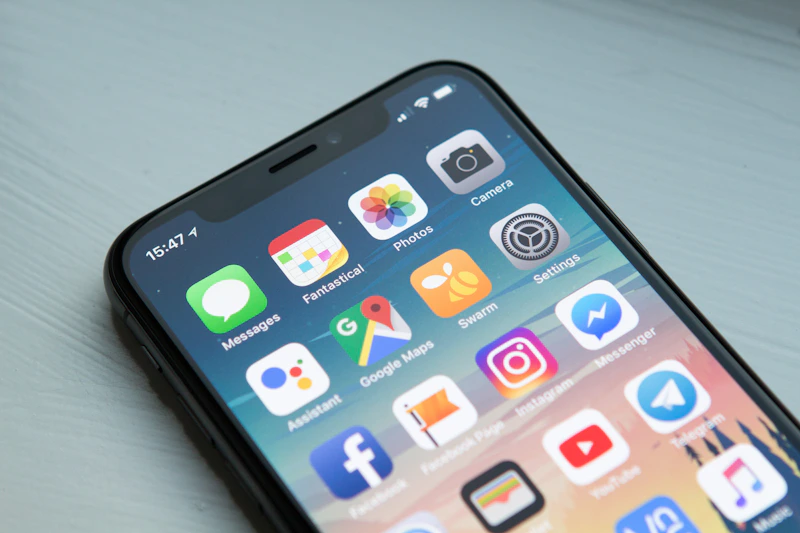
What You Actually Need
The setup is simpler than you think:
- SSH client on your phone: Termius (iOS/Android) is the best — it stores SSH keys securely, supports multiple servers, and has a genuinely usable mobile keyboard.
- Claude.ai on mobile: The Claude mobile app or browser works perfectly. This is your pair programmer.
- Your server SSH key: Generated once, stored in Termius's encrypted vault.

Step-by-Step: Your First Phone Deploy
Set up SSH key authentication
On your laptop, generate a key pair and add the public key to your server's authorized_keys. Import the private key into Termius. Never type passwords into a phone SSH session.
Add your servers to Termius
Save each server with a friendly name, IP, username, and key reference. Group them by project. You'll be glad you did when you're squinting at a phone screen at midnight.
Open Claude alongside Termius
iOS: use Split View or Slide Over. Android: use split screen. You want both visible. Claude is your context, terminal is your execution.
Describe the problem to Claude, execute the solution in Termius
Tell Claude what you need to do. It gives you the exact commands. You paste and run. No memorizing flags, no guessing syntax.
Real Example: Nginx Config Update From a Phone
Here's a real workflow. You're out and someone messages you that the site's SSL cert expired. You open Termius, SSH in, and open Claude alongside it.
You tell Claude: "My nginx SSL cert expired on Ubuntu 22.04, I'm using Let's Encrypt with certbot. Give me the exact commands to renew it and restart nginx."
Claude responds with:
sudo certbot renew --dry-run
# If dry run passes, do the real renewal
sudo certbot renew
# Reload nginx
sudo systemctl reload nginx
# Verify it worked
sudo nginx -t && echo "Config OK"
You paste those into Termius, run them one by one, and the site is back up in under 3 minutes. From your phone. In a restaurant.

What Claude Handles Especially Well
- Nginx and Apache config changes — syntax is hard to remember; Claude generates it perfectly
- Systemd service management — start, stop, enable, check status, read logs
- Git operations — pull latest, check branch, reset to last commit
- Package updates — apt update/upgrade sequences with the right flags
- File edits via sed/awk — when you need to change a value in a config file without opening an editor
- Log triage — paste a log excerpt, ask Claude what it means and how to fix it
- Database queries — describe what you need, get the SQL, run it safely
The Killer Move: Paste Errors Directly Into Claude
The real superpower isn't writing commands — it's debugging. When something goes wrong, copy the error message from Termius, paste it into Claude, and ask what it means. Claude reads stack traces, nginx error logs, systemd journal output, and gives you a plain-English explanation plus the fix.
This is dramatically faster than Googling from a phone. No clicking through Stack Overflow threads, no reformatting code snippets for mobile viewing. Just: error in, fix out.
Pro tip: In Termius, set up snippets for your most common commands (git pull, systemctl restart, nginx -t). Combined with Claude for the complex stuff, you can handle 90% of server tasks in under 5 minutes from your phone.
Deploying Code Updates From Your Phone
For most web projects, a phone deploy is just a git pull:
git pull origin main
# For Node projects:
npm install --production && pm2 restart app
# For Python:
pip install -r requirements.txt && systemctl restart yourapp
Ask Claude to write you a one-liner deploy script, save it as a snippet in Termius, and phone deploys become a single tap.
What Doesn't Work Well on a Phone
Be honest with yourself about limitations:
- Vim/Nano for large file edits — painful on mobile. Use sed for small changes, or push a fix from git instead.
- Complex refactors — phone SSH is for surgical fixes, not architecture work
- Reading large log files — pipe to tail, use grep, don't scroll through 10,000 lines
Want AI Agents Managing Your Infrastructure?
We build AI systems that monitor, alert on, and auto-remediate server issues — so you don't have to SSH in at all.
Talk to the Team